BeReal recap 2022 is here, but the feature isn’t working for some users on their accounts, leaving them wondering – “If I delete BeReal, will I lose everything?”
Twitter and TikTok are filled with BeReal recaps for the current year as people are showing off the special moments that defined their 2022.
However, the feature appears to be glitching for some, which has propelled them to go to the extent of deleting it.
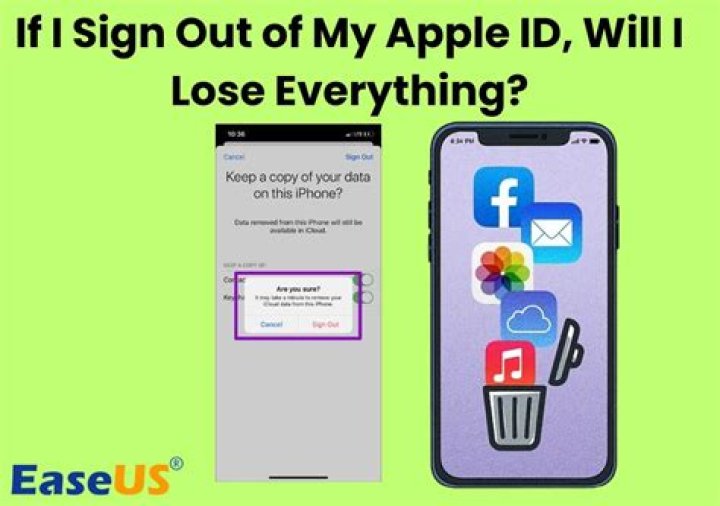
If I delete BeReal, will I lose everything?
No, you will not lose everything saved on your BeReal app if you delete it.
Furthermore, if you delete your account instead, the platform gives users 15 days time before permanently deleting all the saved posts.
When many complained that they aren’t able to access recap 2022, some users suggested deleting the app and reinstalling it. Apparently, this hack has worked for some.
If you are still unsure about deleting the app, you could try downloading its latest version from the store as the older version may be stopping you from getting the Wrapped.
We have listed other possible fixes HERE.
how did i just find out that you can delete your bereal
— msreinee (@yahorei) December 15, 2022
How to delete your account on the app
Follow the below steps to delete your account on BeReal:
- Open the app and go to your BeReal profile by tapping on the icon on My Friends or Discovery page.
- Go to the setting in your profile.
- Select the other option from settings.
- Tap on Delete Account and confirm by selecting “Yes, I’m sure”.
- Your account will be deleted.
And, if you happen to change your mind within 15 days and wish to recover your deleted account, all you have to do is log in using your old credentials. The account will be recovered with all the saved data.
How to do recap 2022
You can get your BeReal recap by following a few simple steps.
- Open the BeReal app on your device and click on your profile.
- Click on memories and you will see all your pictures appear on the calendar.
- Select the button on the bottom of your screen next to the calendar icon and you will be directed to the 2022 recap.